

You’re sprawled on the couch, scrolling through DOWN. So many hot people (seriously, there are a lot), so little time. Then it happens: you accidentally swipe on your ex. Or worse, that coworker you never wanted to see on a dating app. Cue the panic.
Mis-swipes are one of the most common dating app mistakes. Your thumb slips and suddenly you’re facing one of those classic dating app awkward situations.
The good news is that a swipe accident doesn’t have to become a match. In this post, you’ll learn how to undo a like in seconds and why it’ll make swiping a whole lot more fun.
Meet Undo Likes
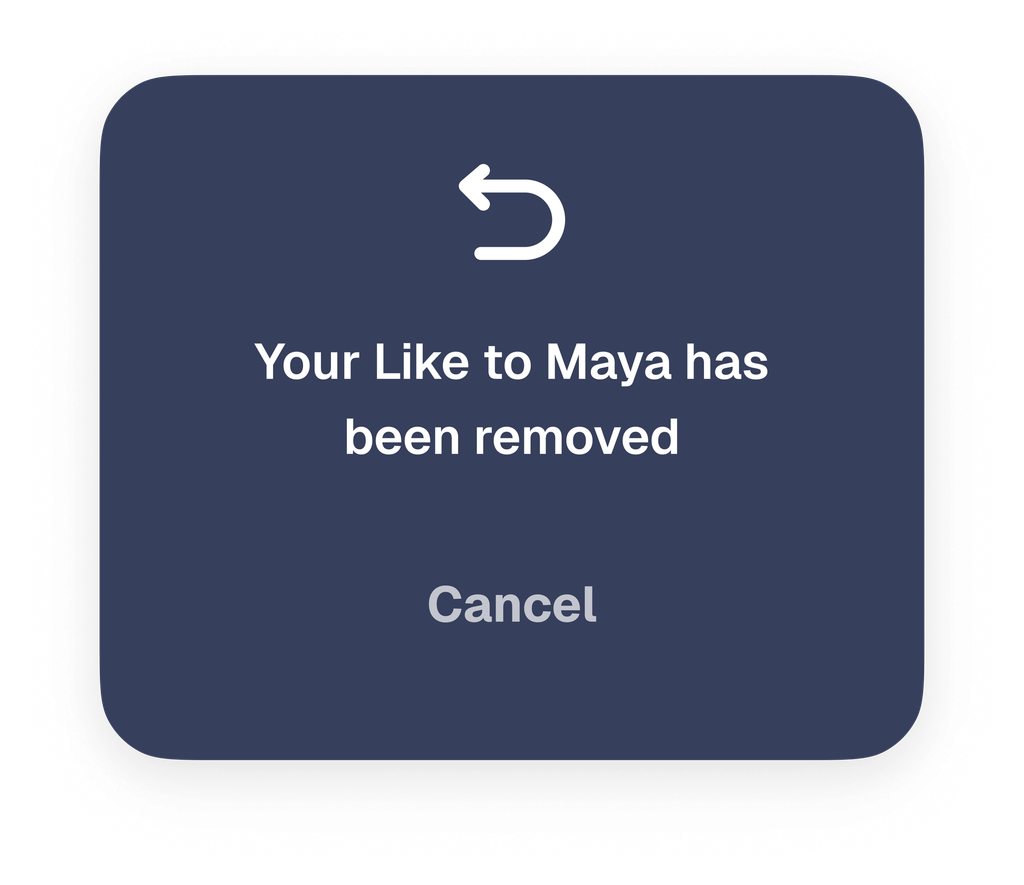
We’ve heard plenty of “oops” stories from DOWN users, so we built something to fix them. Undo Likes lets you reverse an accidental like or swipe before it turns into a match. No more “oops, wrong profile” moments.
How to Remove a Like
It only takes a couple of taps. Go to the “You Liked” tab, find the profile, and tap the undo button. That’s it. The like is gone, and so is the awkward match that could have been.
Swipe With Confidence
Once you know you can reverse a like anytime, the swipe anxiety disappears. No more hovering over every profile or second-guessing each move. You can swipe freely, move faster, and find the right match sooner.
So go ahead: meet more people, flirt with more hot guys and girls, all without worrying about one wrong swipe.
Try It Now
Open DOWN, start swiping, and keep Undo Likes in your back pocket for your next “oh no” moment. Like so many DOWN features, it’s quick, easy, and built to make dating more fun.
Your next great date is just a swipe away!
More like this
Do’s and Don’ts for Men’s Dating Profile Photos (According to internal data!)
Looking for Something Serious? Say It. Looking for Something Casual? Say That Too.